Choosing the right server management platform matters because it directly affects how reliably your WordPress sites run and how much time you spend maintaining them.
In this guide, we’ll walk through 7 WordPress server management platforms that matter in 2026, compare how they approach real-world WordPress workflows, and explain which types of users each one fits best.
Before diving into the tools themselves, let’s take a step back and look at what a WordPress server management platform actually is – and why it’s become a critical part of running WordPress at scale.
Key Takeaways:
- Server management platforms simplify hosting WordPress on cloud providers
- The right platform depends on who you are: solo developer, agency, or business owner
- WordPress-focused platforms reduce maintenance work and mistakes
- Ownership and control are becoming more important than convenience hosting
- FlyWP stands out for teams that want WordPress-first server management & without complexity
What Is a WordPress Server Management Platform (And Why It Matters)
A WordPress server management platform helps you launch, manage, and maintain WordPress sites on cloud servers like DigitalOcean, AWS, Vultr, or Hetzner – without managing everything manually.
Instead of:
- Configuring Nginx, PHP, and MySQL yourself
- Writing firewall rules
- Setting up backups and SSL manually
- Debugging performance issues on the server
You get a dashboard that handles these tasks in a structured way.
Why it matters more in 2026 & beyond:
- Traffic patterns are unpredictable (launches, ads, SEO spikes)
- Security expectations are higher (one breach affects brand trust)
- Agencies manage more sites with smaller teams
- Cloud costs matter more than ever
A server management platform doesn’t replace knowledge, but it reduces repetitive work and lowers the risk of mistakes.
Expert Analysis: Best 7 WordPress Server Management Platforms in 2026
1. FlyWP (Docker isolation, WordPress-first)
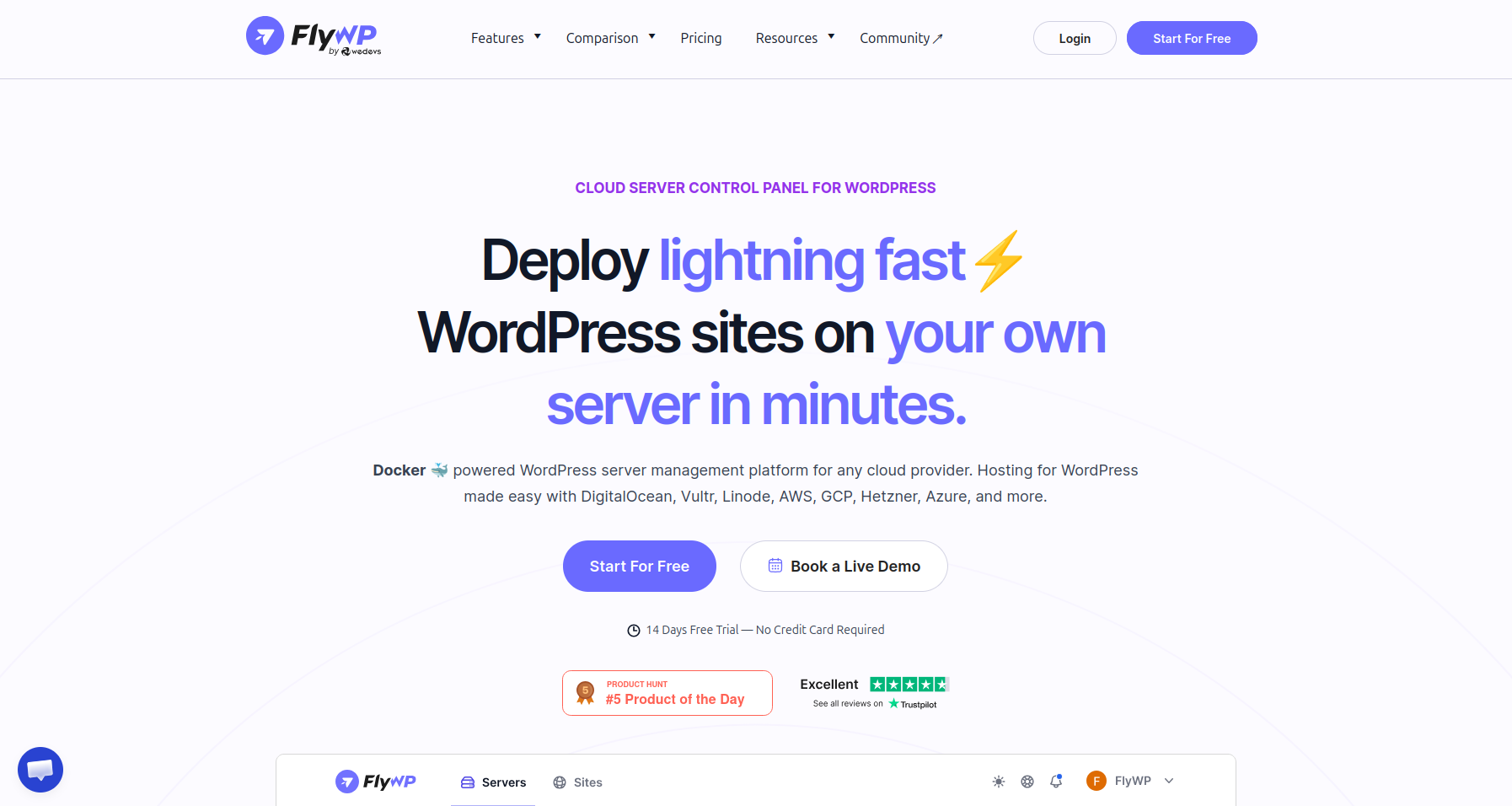
FlyWP is a leading WordPress-focused cloud server management platform designed for developers and agencies.
It allows teams to deploy, manage, and scale fast, isolated WordPress sites on their own cloud servers using built-in tools for performance, security, backups, and centralized site management.
WordPress-First Approach: Unlike platforms that started as general PHP or framework tools. FlyWP is designed around WordPress from the beginning.
Security rules, caching behavior, server configurations, and deployment flows are all aligned with how WordPress actually runs in production.
Modern Architecture: FlyWP uses a Docker-based setup for site isolation. Each WordPress site runs in its own container, reducing the risk of one site affecting another.
For agencies hosting many client sites on a single server, this isolation helps prevent small issues from turning into larger incidents.
Instant Provisioning: FlyWP offers comprehensive server provisioning, allowing users to instantly create and manage servers from providers like DigitalOcean, Vultr, and Akamai directly from the FlyWP dashboard.
It supports Docker-based, isolated environments, with options for both Nginx and OpenLiteSpeed stacks.
Built for Agencies: The platform offers a centralized dashboard where teams can manage multiple servers and unlimited WordPress sites.
Integrations like Cloudflare make it easier to handle DNS, cache purging, and traffic-related tasks without switching tools.
Why it stands out:
For teams that work exclusively with WordPress, FlyWP provides a focused, structured environment that matches real-world workflows.
It’s especially well-suited for agencies and developers who want cloud ownership without the overhead of manual server management.
Where FlyWP fits best:
-
Agencies managing multiple client WordPress sites
-
Developers who want cloud ownership without complexity
-
Freelancers running many production sites
-
Teams are moving away from shared or locked hosting
Example:
An agency running 20 WordPress sites on DigitalOcean can use FlyWP to:
-
Launch optimized WordPress servers in minutes
-
Isolate each site to avoid cross-site issues
-
Control updates, backups, and performance centrally
FlyWP feels less like a generic server tool and more like a WordPress operations layer.
2. Cloudways (Managed Cloud Convenience)
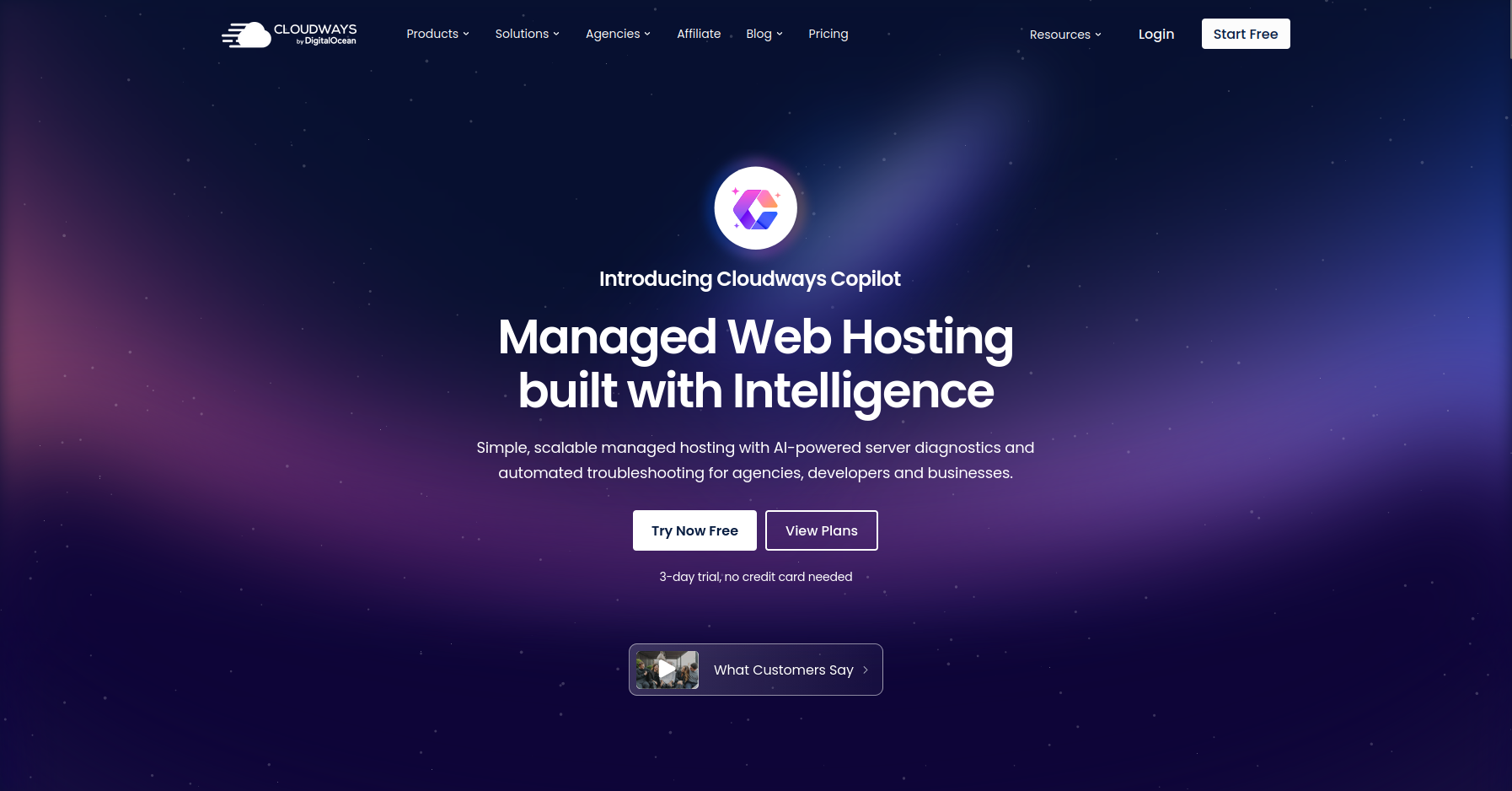
Cloudways positions itself as a managed cloud hosting layer that removes most infrastructure decisions from the user. It’s often chosen by teams that want cloud performance without dealing directly with servers.
Simplified Cloud Access: Cloudways handles server provisioning, updates, and maintenance behind the scenes. Users choose a cloud provider, but most technical details remain abstracted.
Beginner-Friendly Interface: The dashboard is easy to navigate, making it approachable for non-technical users or marketing teams managing a small number of sites.
Trade-Offs in Control: Because Cloudways manages much of the infrastructure, users have limited access to deeper server customization.
This can become restrictive as projects grow or performance needs become more specific.
Why it stands out:
Cloudways works well for teams that prioritize convenience over control and don’t need full ownership of their server environment.
3. Forge (Laravel-first)
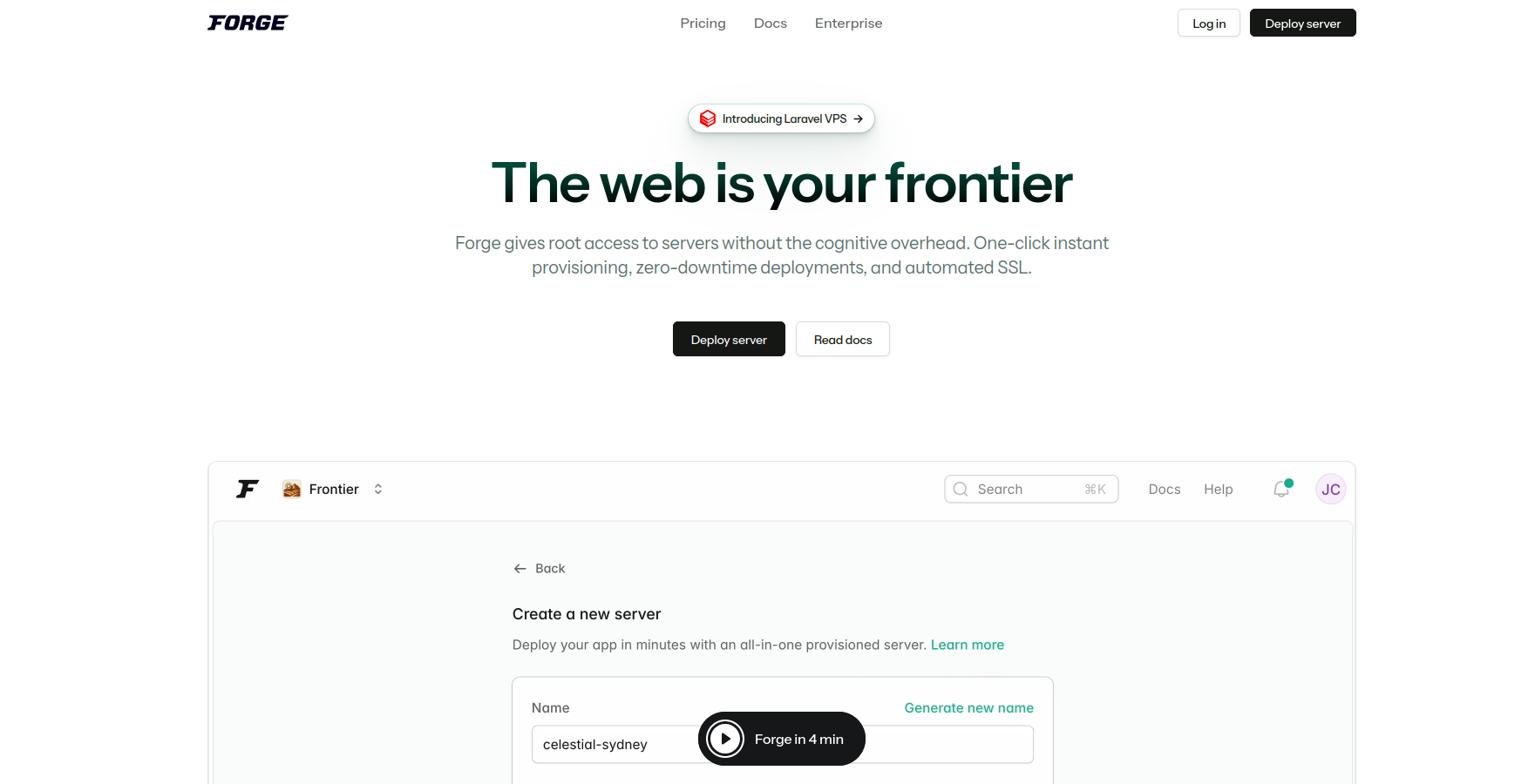
Laravel Forge is designed primarily for Laravel applications but is often used by developers managing mixed workloads, including WordPress.
Strong Server Provisioning: Forge excels at setting up cloud servers quickly and consistently. Developers familiar with SSH and server concepts will find it flexible.
Framework-Centric Design: While WordPress is supported, it’s not the platform’s primary focus. WordPress-specific optimizations and workflows require additional manual setup.
Best for Technical Teams: Forge assumes a certain level of infrastructure knowledge and is less suitable for teams that want WordPress-specific automation out of the box.
Why it stands out:
Forge fits developers who already manage infrastructure manually and want a lightweight provisioning layer rather than a WordPress-focused platform.
4. RunCloud (Performance-Focused Server Control)
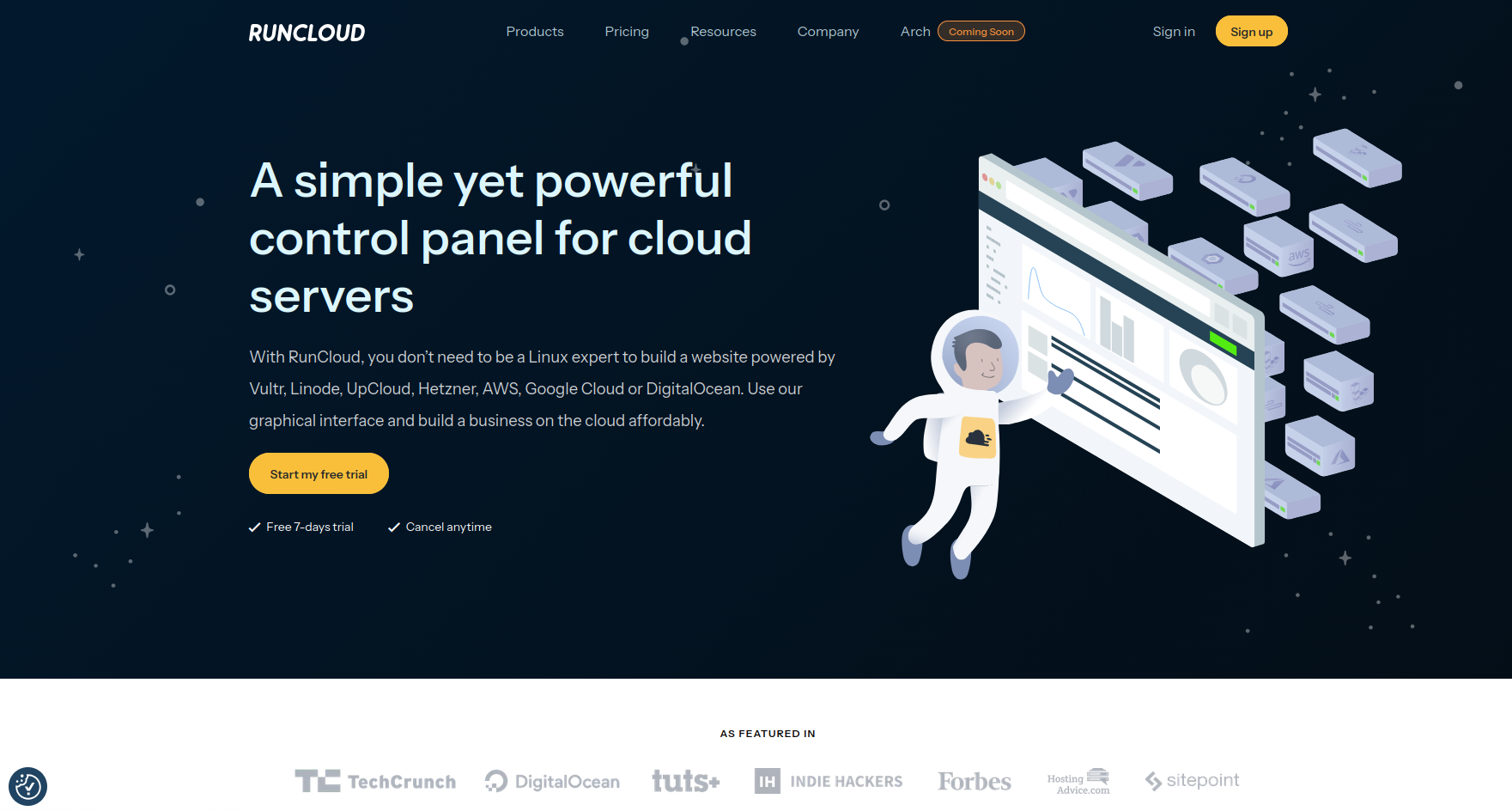
RunCloud offers a lightweight control panel focused on PHP performance and server efficiency.
Lean and Fast: The platform avoids unnecessary abstraction, giving developers direct control over server configurations with a clean interface.
Good for Performance Tuning: RunCloud allows fine-grained control over PHP versions, services, and caching, but leaves WordPress workflows largely up to the user.
Limited WordPress Automation: Tasks like staging, backups, and site-level isolation require additional setup or third-party tools.
Why it stands out:
RunCloud suits developers who prioritize performance and are comfortable handling WordPress maintenance themselves.
5. ServerAvatar (multi-stack)
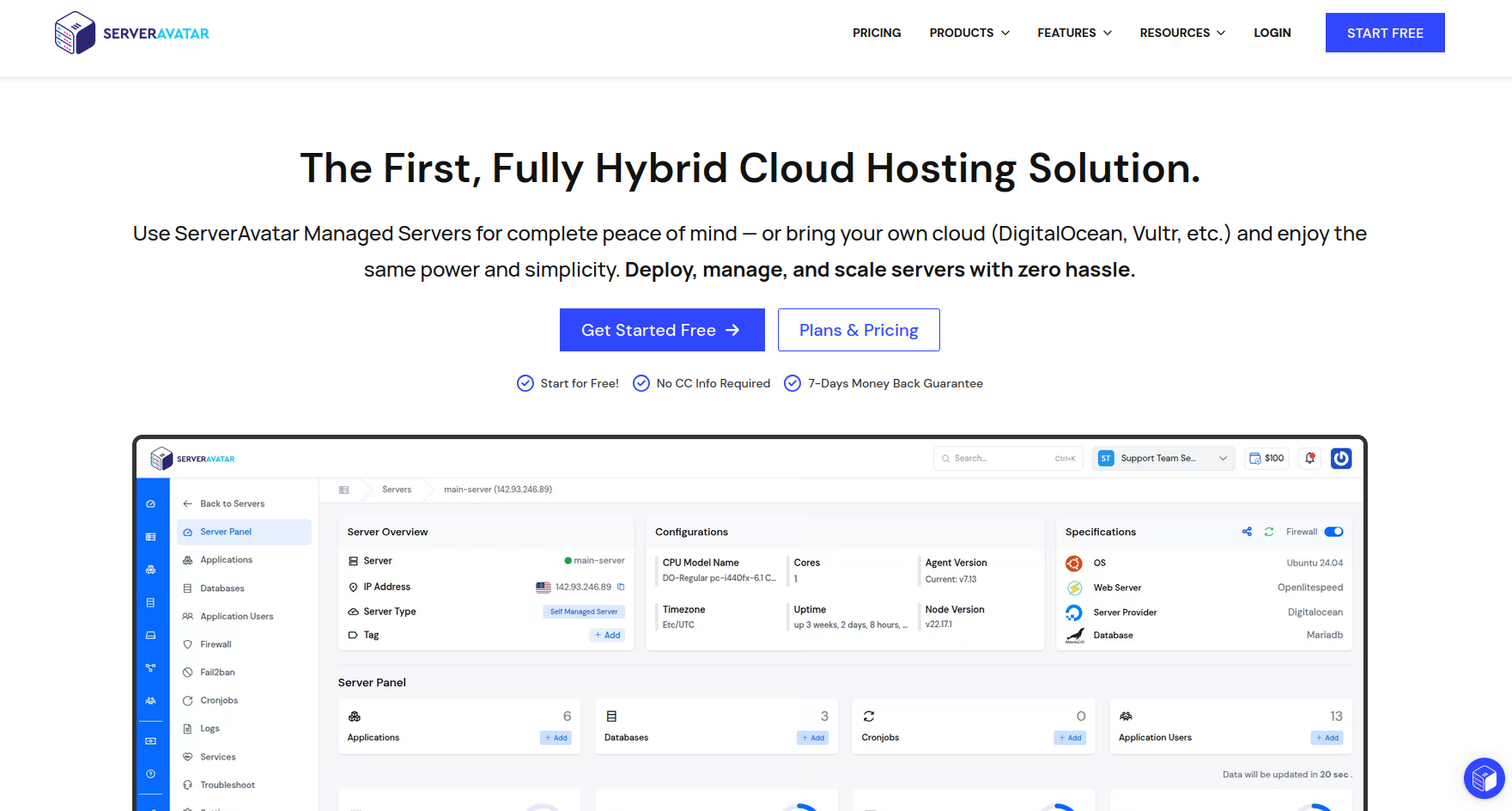
ServerAvatar provides a simple control panel for managing PHP applications, including WordPress.
Easy Setup: The platform focuses on getting servers online quickly with minimal configuration.
Affordable Entry Point: Pricing and features are accessible for freelancers or small teams managing a limited number of sites.
Basic WordPress Features: While WordPress is supported, the platform doesn’t offer advanced WordPress-specific workflows or isolation models.
Why it stands out:
ServerAvatar works for freelancers who need a simple, cost-conscious way to host WordPress on cloud servers.
6. SpinupWP (WordPress Developer Focus)
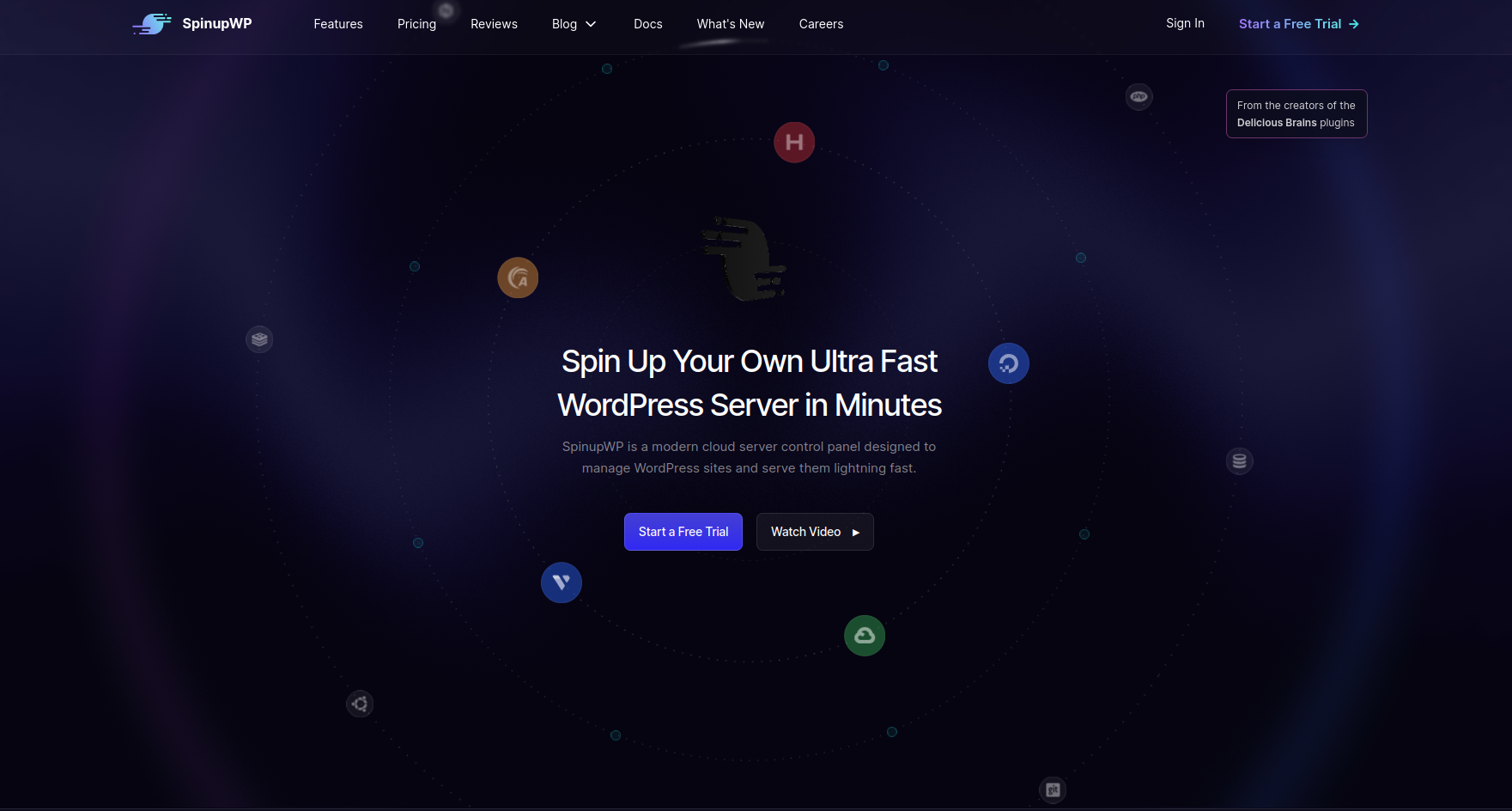
SpinupWP is built by a WordPress-focused team and reflects a developer-first mindset.
WordPress-Centric Configuration: The platform applies best practices for WordPress performance and security, with strong documentation for developers.
Requires technical familiarity with servers: SpinupWP assumes users are comfortable with SSH, server concepts, and hands-on management.
Smaller Ecosystem: It focuses tightly on its core use case, which may limit broader integrations.
Why it stands out:
SpinupWP fits experienced WordPress developers who want control and clarity without excessive abstraction.
7. Ploi.io (Multi-Stack Flexibility)
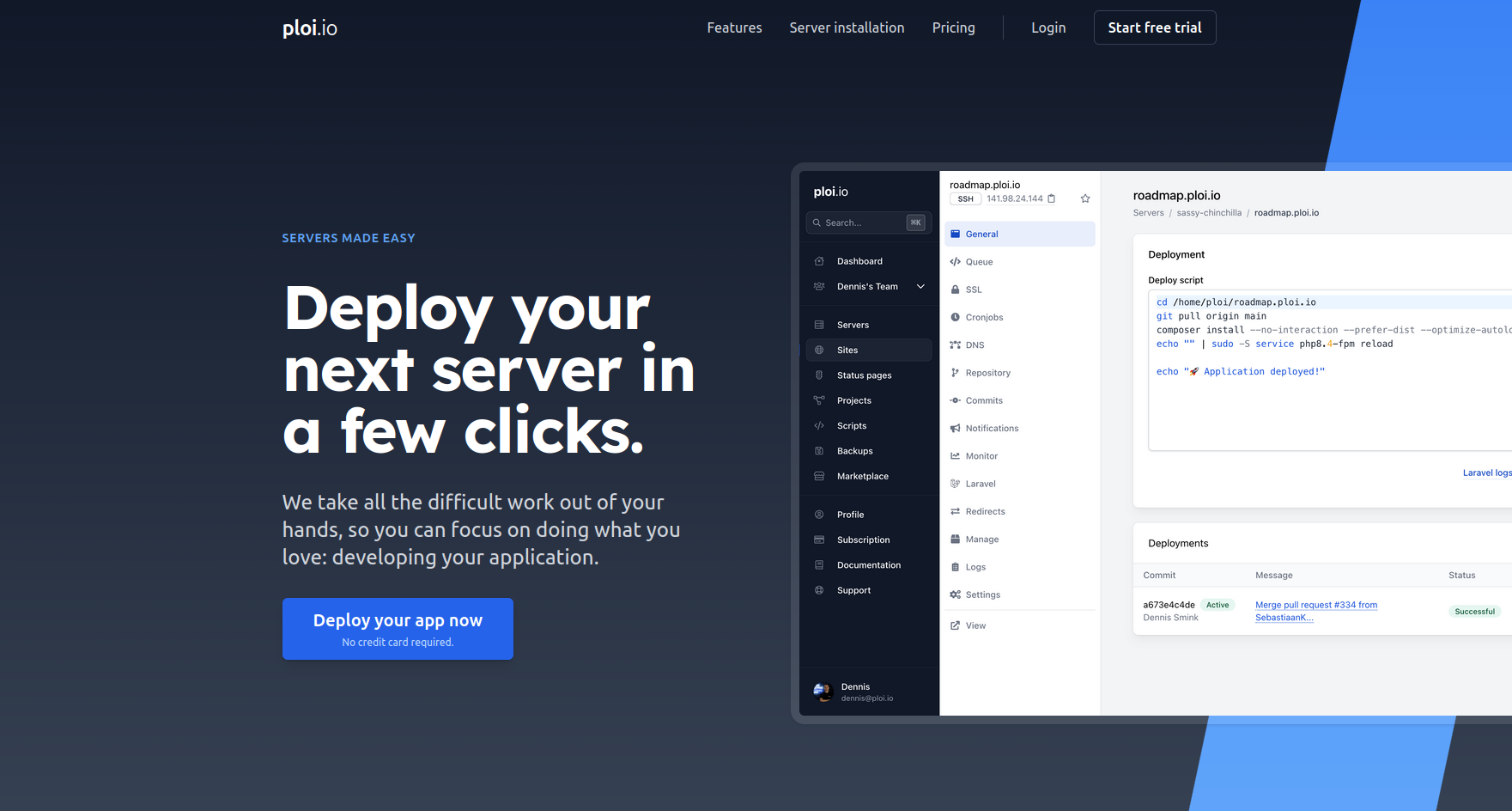
Ploi started in the Laravel ecosystem but expanded to support WordPress and other PHP applications.
Supports Mixed Stacks: Agencies managing WordPress alongside other frameworks may find Ploi useful for standardizing workflows.
Clean Interface: The dashboard is intuitive and modern, though not WordPress-specific.
Less Opinionated for WordPress: WordPress users will need to handle optimization and structure decisions themselves.
Why it stands out:
Ploi is suitable for teams running multiple application types who want a single platform to manage them all.
A Quick Comparison: WordPress Server Management Platforms in 2026
|
Platform |
WordPress Focus |
Core Architecture |
Pricing Model |
Best For |
Key Differentiator |
|
FlyWP |
Dedicated |
Docker-based site isolation |
Starts at $9/month |
Agencies, developers, solopreneurs, and business owners |
Isolated containers per site reduce risk and simplify multi-client management |
|
Cloudways |
Medium |
Managed VPS (abstracted access) |
Starts at ~$14/month |
Non-technical teams |
Removes most infrastructure decisions |
|
Laravel Forge |
Low |
Native PHP stack |
Starts at $12/month |
Laravel & PHP developers |
Strong provisioning for custom PHP apps |
|
RunCloud |
Medium–High |
Native PHP stack |
Starts at $9/month |
Professional developers |
Fine-grained server control with a lightweight UI |
|
ServerAvatar |
Medium |
Native PHP stack |
Starts at $9/month |
Freelancers on a budget |
Simple setup with low entry cost |
|
SpinupWP |
High |
Native PHP (Nginx-based) |
Starts at $12/month |
WordPress-focused developers |
Hands-on, performance-oriented WordPress stack |
|
Ploi.io |
Medium |
Native PHP stack |
Starts at €8/month |
Mixed tech teams |
Fast server provisioning for multiple frameworks |
Notes and Highlights:
-
FlyWP stands out by combining WordPress-dedicated workflows with managed backups and built-in recovery, while reducing dependence on SSH.
This addresses a common gap for agencies and teams that want control without the heavy infrastructure burden. -
Cloudways includes support and managed services, which are useful for teams with minimal server experience, but it offers less root-level control.
-
Forge, RunCloud, SpinupWP, and Ploi.io offer strong control for developers, but they rely more on SSH/manual configuration and less on automated recovery.
-
ServerAvatar provides a straightforward balance but requires more manual oversight at scale.
Small but Important Note:
Pricing shown reflects entry-level plans as of 2026 and may vary based on server count, usage, or additional features.
Infrastructure costs from cloud providers are not included unless stated.
Expert Advice: How to Choose the Right Cloud Server Management Platform for You
Ask yourself a few practical questions:
- Do I want full server ownership or managed convenience?
- Am I managing one site or many?
- Do clients expect high uptime and fast fixes?
- Am I comfortable with server concepts?
For example:
- A solo blogger may not need full control
- An agency with 30 client sites absolutely does
The more sites and responsibilities you have, the more a WordPress-focused platform starts to make sense.
Expert Insight: Why the Future of Infrastructure Is Ownership
In 2026, many teams are rethinking fully managed hosting.
Ownership means:
- You control costs
- You choose cloud providers
- You move freely between platforms
- You avoid vendor lock-in
Server management platforms make ownership practical without turning every update into a technical project.
Frequently Asked Questions (FAQ)
Q: Do these platforms include the cost of the cloud server?
A: Cloudways does resell infrastructure; others are BYOS. All other platforms (FlyWP, Forge, Runcloud, etc.) use the “Bring Your Own Server” (BYOS) model, meaning you pay them for the management panel and pay your cloud provider (DigitalOcean, Vultr, etc.) separately for the server itself.
Q: What is the benefit of FlyWP’s Docker-based isolation?
A: In a multi-site environment, Docker ensures that each WordPress installation runs in its own secure, isolated container. This prevents a security breach on one client’s site from spreading to another client’s site on the same server, offering a crucial layer of protection for agencies.
Q: Which platform is best for a mixed portfolio (WordPress and Laravel)?
A: Laravel Forge is often the best choice if your primary focus is on Laravel. If your focus is mixed but heavily leans towards WordPress, Runcloud offers a good balance of features for both.
Q: Do I need server knowledge to use these platforms? Some require more knowledge than others. WordPress-focused tools reduce that gap.
A: Which platform is best for agencies? Platforms built around WordPress workflows scale better for agencies.
Conclusion: Making Your Choice
Choosing the right server management platform is a decision that impacts your security, performance, and profitability.
For WordPress website decision-makers, the agency owner, the busy freelancer, or the dedicated developer, the choice comes down to specialization and architecture.
While Cloudways offers simplicity and Forge offers general PHP power, platforms like FlyWP and SpinupWP offer the deep WordPress focus you need.
However, FlyWP’s commitment to a modern, Docker-based architecture and its unlimited sites pricing model for agencies gives it a significant edge.
It solves the core problem of multi-client management by providing superior security isolation and a unified, purpose-built dashboard.
If you are ready to take ownership of your infrastructure, maximize your performance, and provide a best-in-class secure environment for your clients.
FlyWP is the dedicated WordPress-focused cloud server management panel built for your success in 2026.